> ## Documentation Index
> Fetch the complete documentation index at: https://docs.bigdata.com/llms.txt
> Use this file to discover all available pages before exploring further.
# Authentication
To authenticate with the Bigdata.com API, you need to use an API key.
You can create and manage your API Keys in the [Developer Platform > API Keys](https://platform.bigdata.com/api-keys)
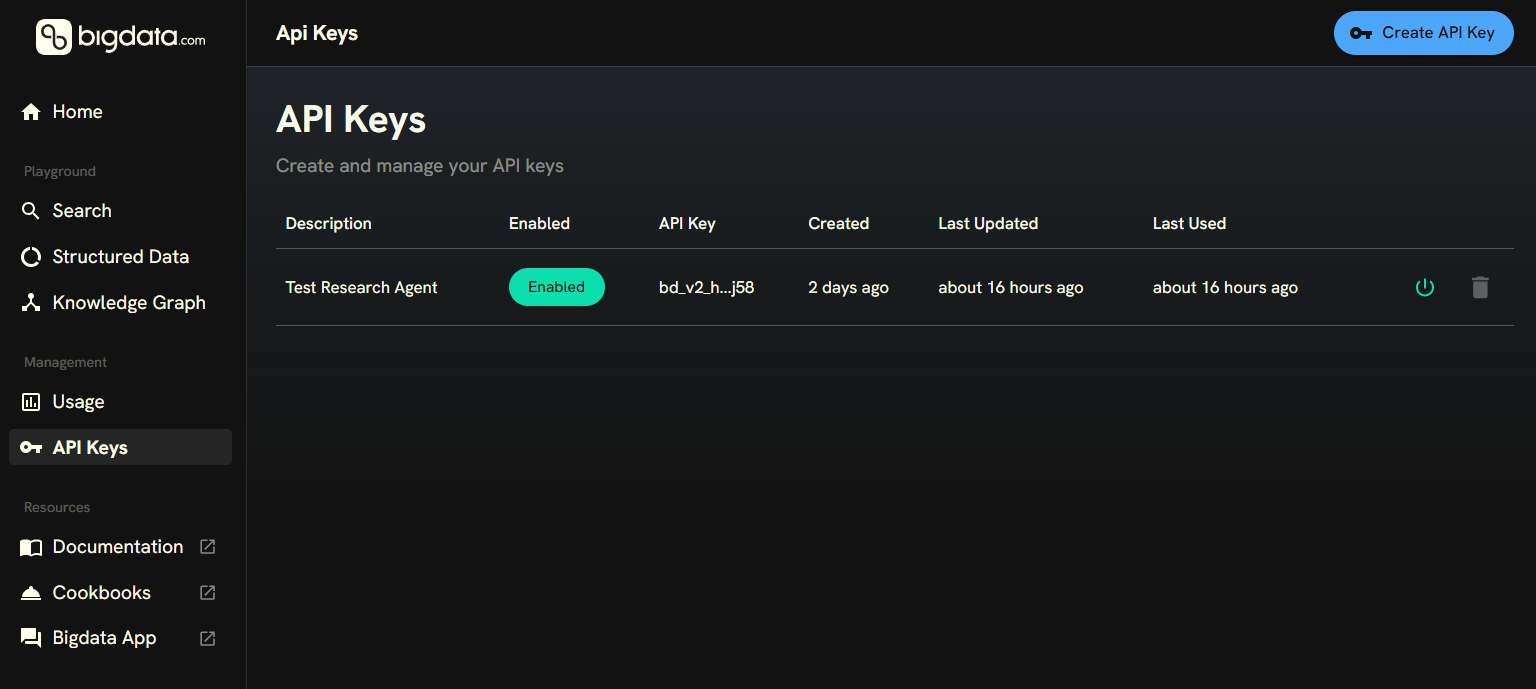 The API key must be included in all API requests to the server in a `x-api-key` header.
Here is an example of how you can make an authenticated request using `curl`:
```bash theme={null}
curl --request POST \
--url https://api.bigdata.com/v1/search \
--header 'Content-Type: application/json' \
--header 'X-API-KEY: ' \
--data '{
"query": {
"text": "Microsoft earnings call highlights"
}
}'
```
We recommend using environment variables to specify your API Key.
The API key must be included in all API requests to the server in a `x-api-key` header.
Here is an example of how you can make an authenticated request using `curl`:
```bash theme={null}
curl --request POST \
--url https://api.bigdata.com/v1/search \
--header 'Content-Type: application/json' \
--header 'X-API-KEY: ' \
--data '{
"query": {
"text": "Microsoft earnings call highlights"
}
}'
```
We recommend using environment variables to specify your API Key.