> ## Documentation Index
> Fetch the complete documentation index at: https://docs.bigdata.com/llms.txt
> Use this file to discover all available pages before exploring further.
# Bigdata CLI
The **Bigdata CLI** is a command-line interface to the Bigdata.com REST API. It lets agents and developers query Bigdata Services from the terminal, pipe results into other tools, and orchestrate workflows in scripts or CI.
Coding agents and automation pipelines work natively with shell commands. The Bigdata CLI exposes Bigdata Services in a form agents can call, parse, and compose without writing any HTTP client code, making it straightforward to ground agent workflows in premium financial content.
It currently supports the **Search** and **Knowledge Graph** endpoints, with more services coming soon.
The Bigdata CLI is currently in **Beta**. We'd love to hear about your use cases: where you're using the CLI, and any frictions you run into. Reach out at [support@bigdata.com](mailto:support@bigdata.com) to help us shape what comes next.
## Get started
The CLI is published on PyPI as [`bigdata-cli`](https://pypi.org/project/bigdata-cli/).
```bash uv (recommended) theme={null}
uv tool install bigdata-cli
```
```bash pip theme={null}
pip install bigdata-cli
```
```bash pipx theme={null}
pipx install bigdata-cli
```
Two entry points are available after installation: `bigdata` (full name) and `bd` (short alias).
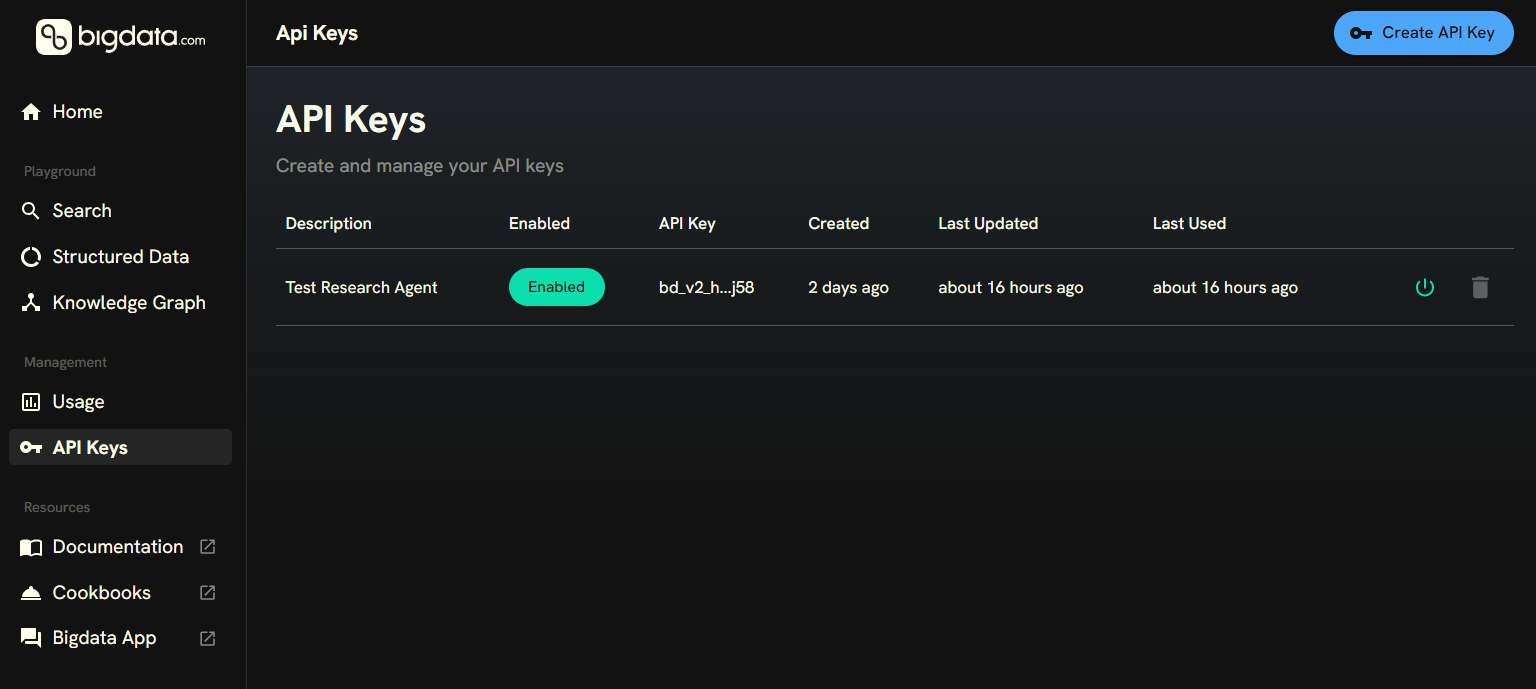
You can create your API Key in the [Developer Platform > API Keys](https://platform.bigdata.com/api-keys).
 Run the interactive configuration command, which prompts for your key and profile (The default profile is `default`):
```bash theme={null}
bigdata configure
```
For CI or scripts, configure non-interactively:
```bash theme={null}
bigdata configure --non-interactive --api-key your-api-key
```
Or set the key via environment variable instead:
```bash theme={null}
export BIGDATA_API_KEY=your-api-key
```
**Discover the available commands:**
```bash theme={null}
bigdata --help
bigdata search --help
bigdata find --help
bigdata resolve --help
```
**Run your first queries:**
Search across news, filings, and transcripts, returning the top 5 most relevant matched document chunks:
```bash theme={null}
bigdata search run "Tesla AI chips" --limit 5
```
Discover entities in the Knowledge Graph (fuzzy search):
```bash theme={null}
bigdata find companies "Apple"
```
Resolve a known identifier to a stable entity (deterministic lookup):
```bash theme={null}
bigdata resolve isin US0378331005
```
```bash theme={null}
bigdata search run "earnings" --entity-any-of DD3BB1 --limit 10
```
Aggregate signals over time:
```bash theme={null}
bigdata search volume "Tesla" --date-start 2025-01-01 --date-end 2025-03-31
```
```bash theme={null}
bigdata search co-mentions-entities "AI chips" --limit 10
```
Run the interactive configuration command, which prompts for your key and profile (The default profile is `default`):
```bash theme={null}
bigdata configure
```
For CI or scripts, configure non-interactively:
```bash theme={null}
bigdata configure --non-interactive --api-key your-api-key
```
Or set the key via environment variable instead:
```bash theme={null}
export BIGDATA_API_KEY=your-api-key
```
**Discover the available commands:**
```bash theme={null}
bigdata --help
bigdata search --help
bigdata find --help
bigdata resolve --help
```
**Run your first queries:**
Search across news, filings, and transcripts, returning the top 5 most relevant matched document chunks:
```bash theme={null}
bigdata search run "Tesla AI chips" --limit 5
```
Discover entities in the Knowledge Graph (fuzzy search):
```bash theme={null}
bigdata find companies "Apple"
```
Resolve a known identifier to a stable entity (deterministic lookup):
```bash theme={null}
bigdata resolve isin US0378331005
```
```bash theme={null}
bigdata search run "earnings" --entity-any-of DD3BB1 --limit 10
```
Aggregate signals over time:
```bash theme={null}
bigdata search volume "Tesla" --date-start 2025-01-01 --date-end 2025-03-31
```
```bash theme={null}
bigdata search co-mentions-entities "AI chips" --limit 10
```