> ## Documentation Index
> Fetch the complete documentation index at: https://docs.bigdata.com/llms.txt
> Use this file to discover all available pages before exploring further.
# Bigdata.com Plugin for Claude
> Install the Bigdata.com plugin to bring financial research capabilities directly into Claude
The **Bigdata.com Plugin for Claude** bundles the [Bigdata MCP Connector](/mcp-reference/oauth-integrations/claude-mcp-integration) and the [Financial Research Analyst](/skills-reference/mcp-helpers/financial-research-analyst) ready to install from Claude's official marketplace.
It is the best way for your organization to stay on the latest version of the Financial Research Analyst skill — every plugin update delivers new workflows, improved prompts, and expanded coverage automatically.
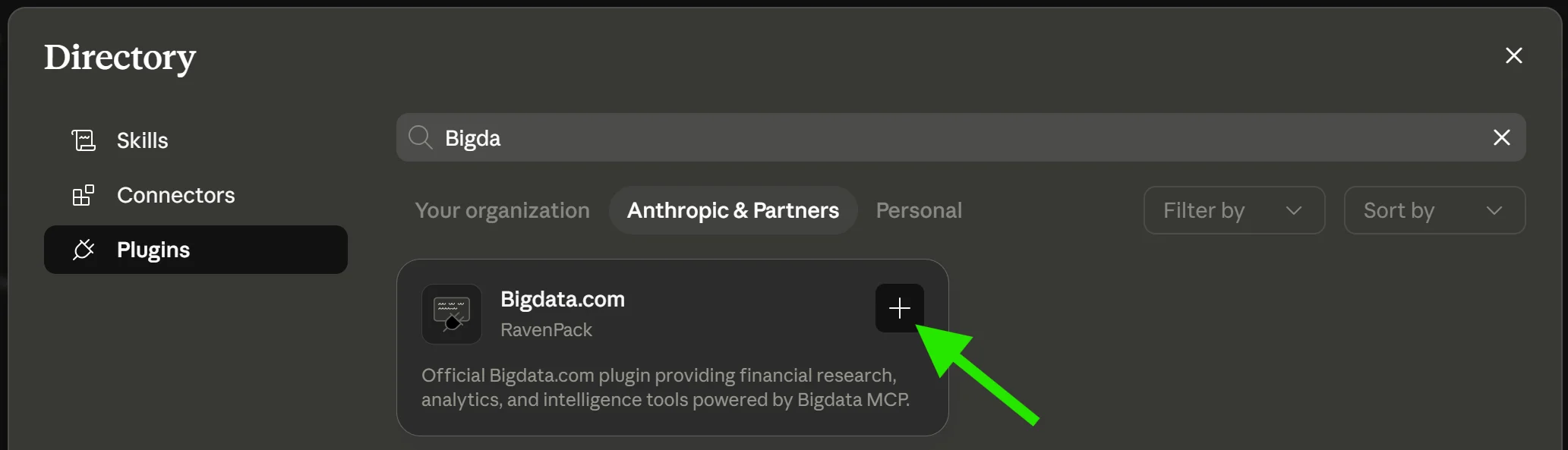 ## Compatibility
The plugin is available in Claude's official marketplace and supported across **Claude.ai Web** and **Claude Desktop**, including **Chat**, **Cowork**, and **Claude Code**.
## What's Included
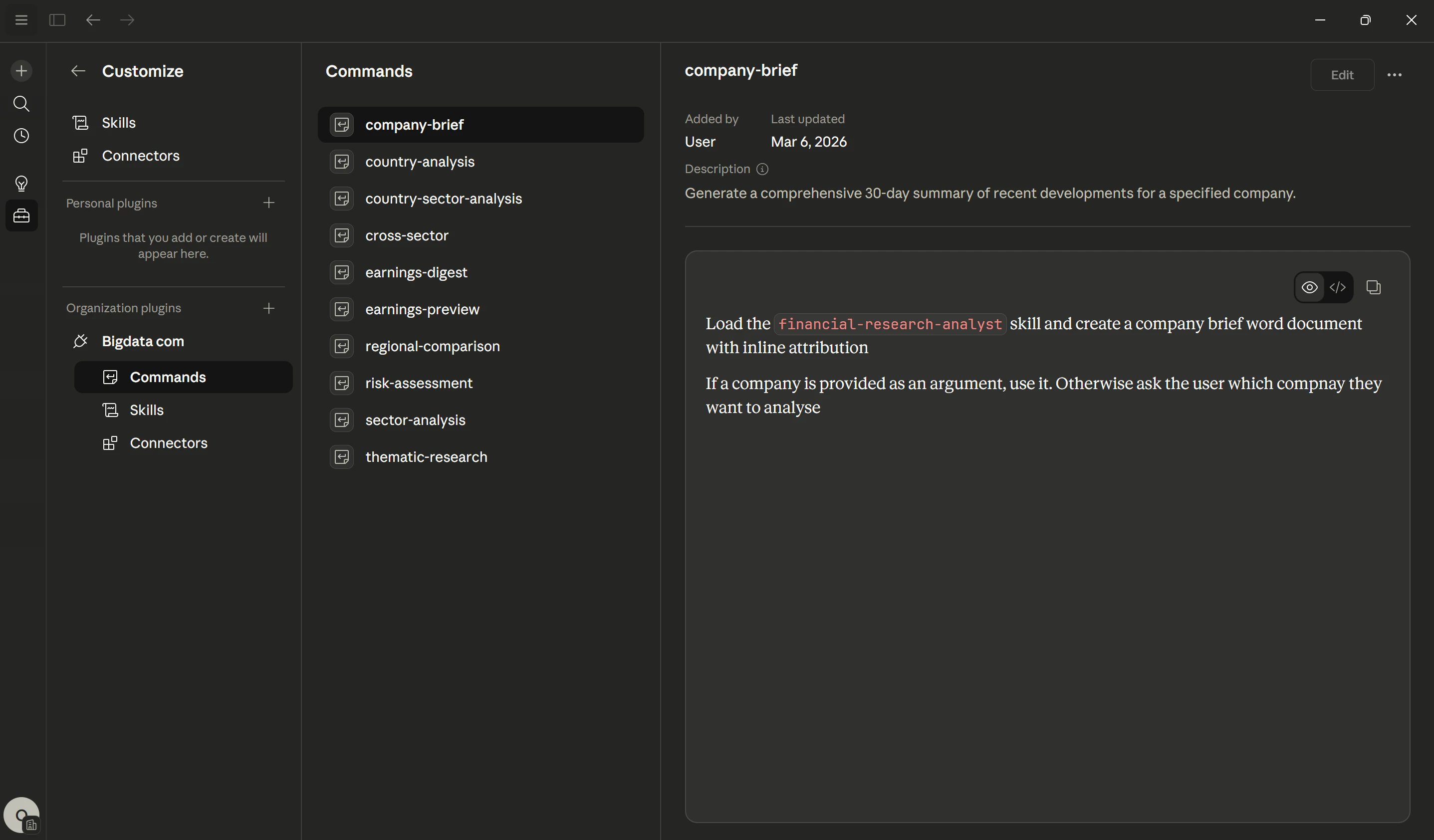
The plugin registers a set of commands that let you trigger financial research workflows directly from Claude.
## Compatibility
The plugin is available in Claude's official marketplace and supported across **Claude.ai Web** and **Claude Desktop**, including **Chat**, **Cowork**, and **Claude Code**.
## What's Included
The plugin registers a set of commands that let you trigger financial research workflows directly from Claude.
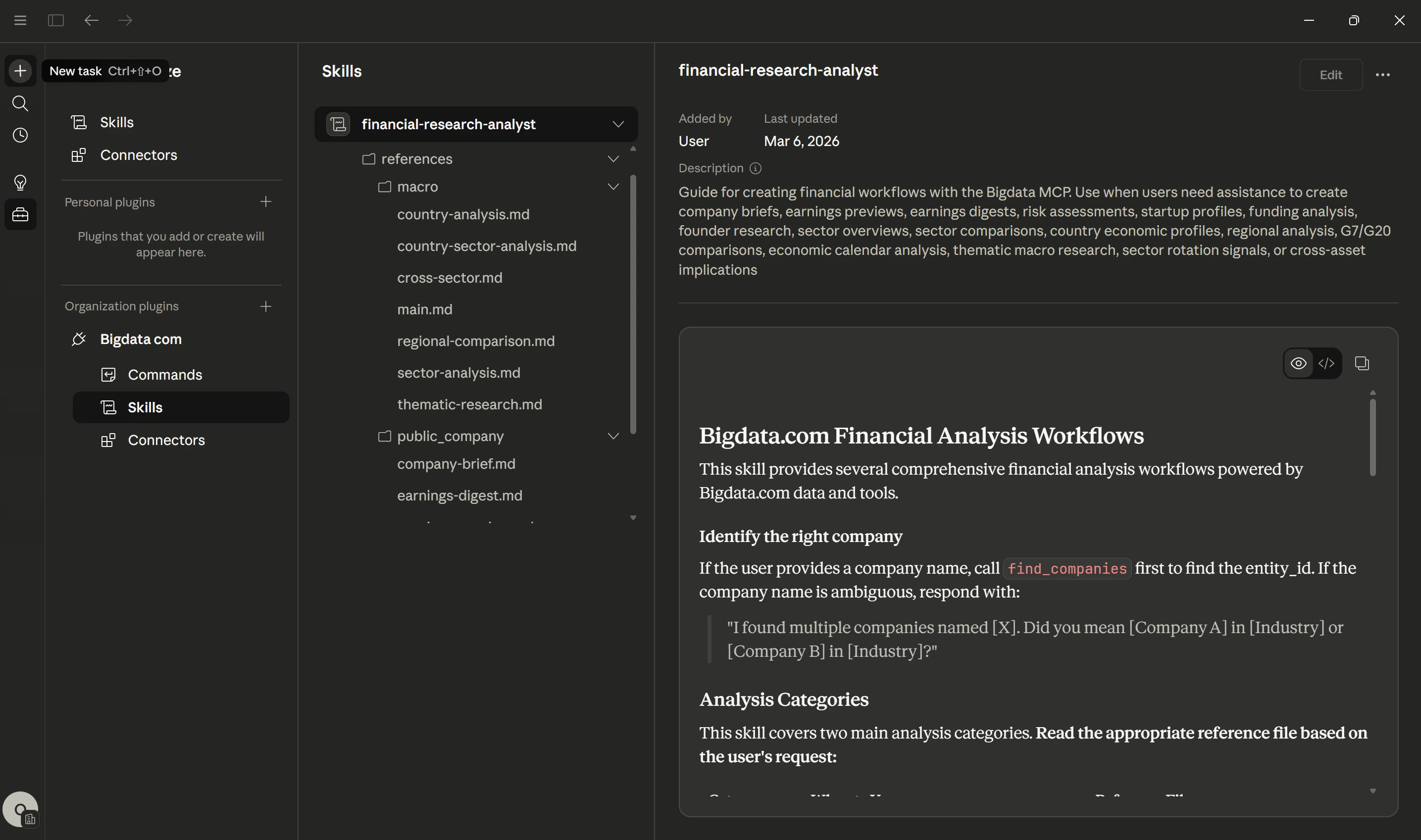
 The plugin includes the [Financial Research Analyst](/skills-reference/mcp-helpers/financial-research-analyst) skill, a guided workflow engine for producing standardized financial reports at scale.
It covers public company analysis and macroeconomic analysis.
The plugin includes the [Financial Research Analyst](/skills-reference/mcp-helpers/financial-research-analyst) skill, a guided workflow engine for producing standardized financial reports at scale.
It covers public company analysis and macroeconomic analysis.
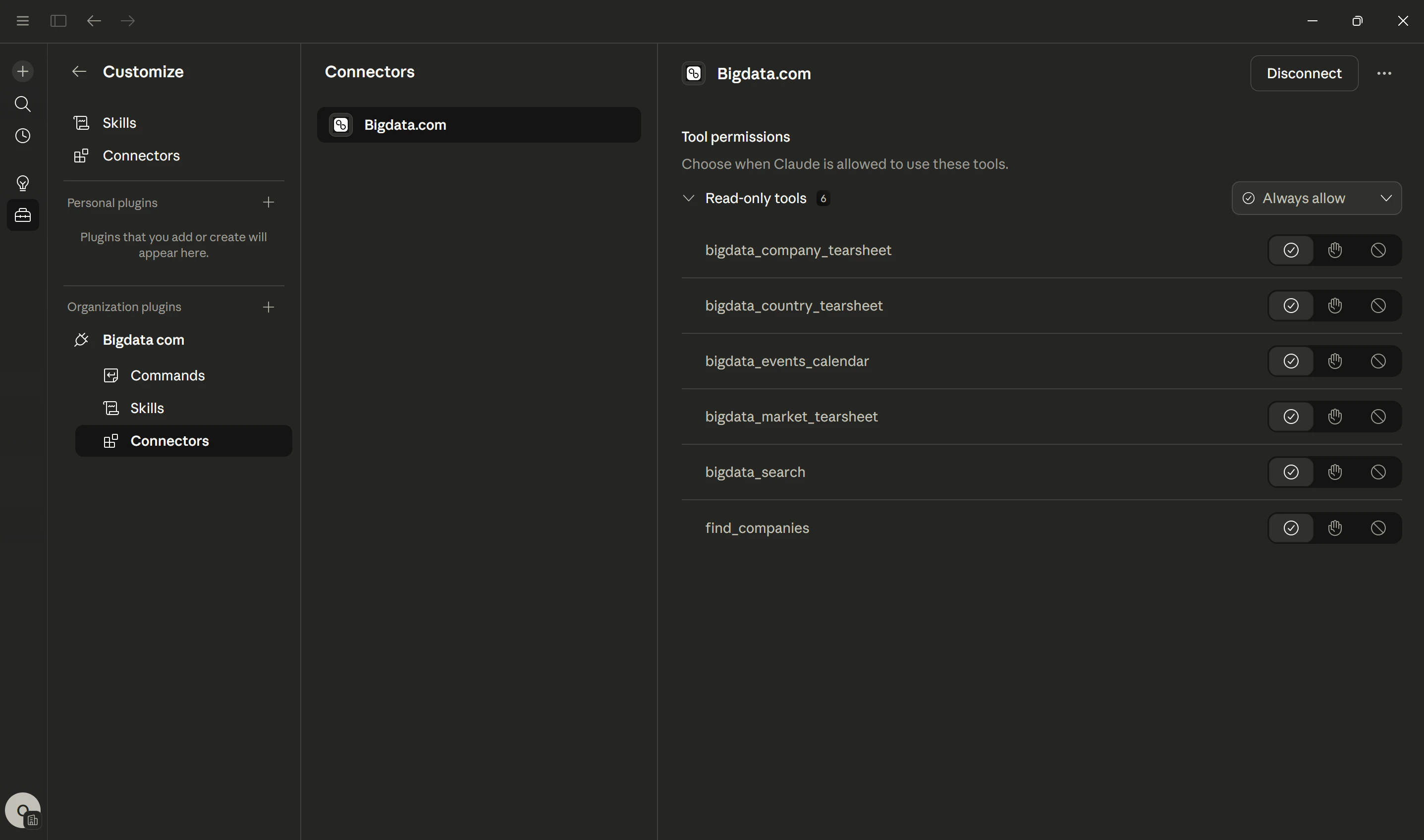
 The plugin ships with the **Bigdata MCP Connector**, giving Claude access to the full suite of Bigdata.com tools, including [Bigdata Search](/mcp-reference/tools/bigdata-search), company tearsheets, events calendar, and more.
 ## Related Resources
Set up the Bigdata.com MCP connector in Claude
Full documentation for the Financial Research Analyst skill
## Related Resources
Set up the Bigdata.com MCP connector in Claude
Full documentation for the Financial Research Analyst skill