Coverage analysis
1
Resolve companies
The script takes as input the file of RavenPack IDs produced by the Resolve companies script, so make sure you have resolved your universe before running it.
2
Run the script
Clone the public repository and follow the instructions in its
README.md to run the script.How-to scripts: company news coverage
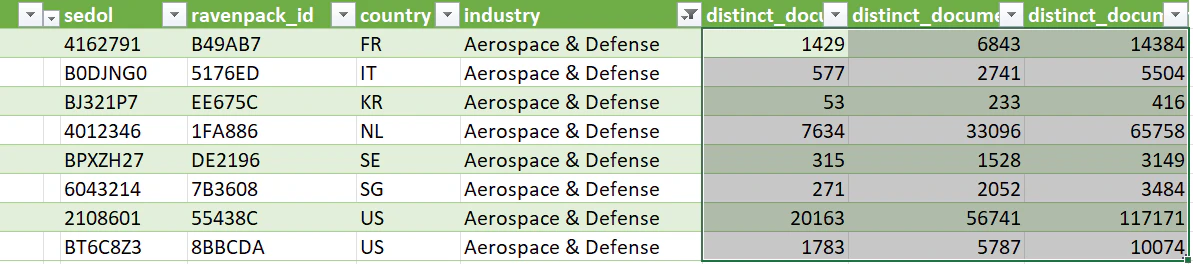
Ready-to-run scripts that measure news coverage across your universe of companies over the last month, 6 months, and 12 months.
3
Import as Excel
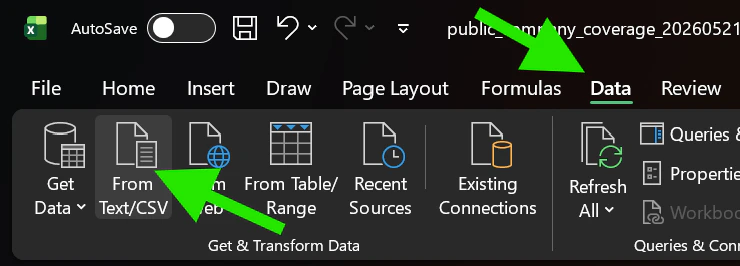
The output file is in CSV format, and you can import it into an Excel by opening a new document, clicking on Data, and selecting “From Text/CSV”.