Install

Claude
Official Bigdata plugin

ChatGPT
Official Bigdata plugin
Installation guides
This page contains some installation guides for the Bigdata plugin. If you would like us to document another integration, email us at support@bigdata.com.- Claude
- VS Code
1
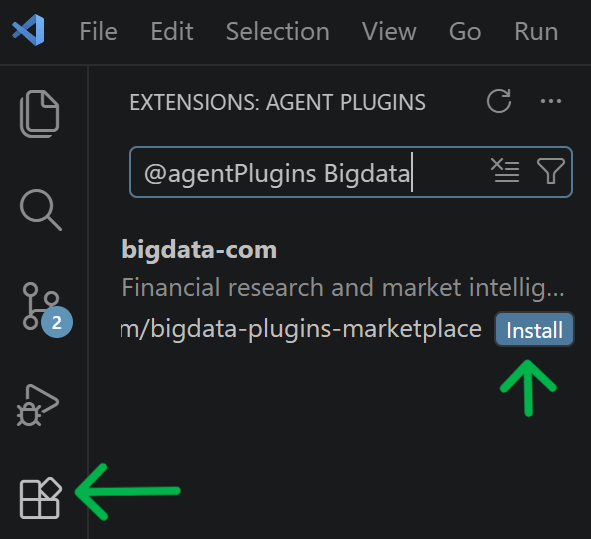
Find the plugin
Click here or find it in Claude via Customize > Plugins > Browse. Click on 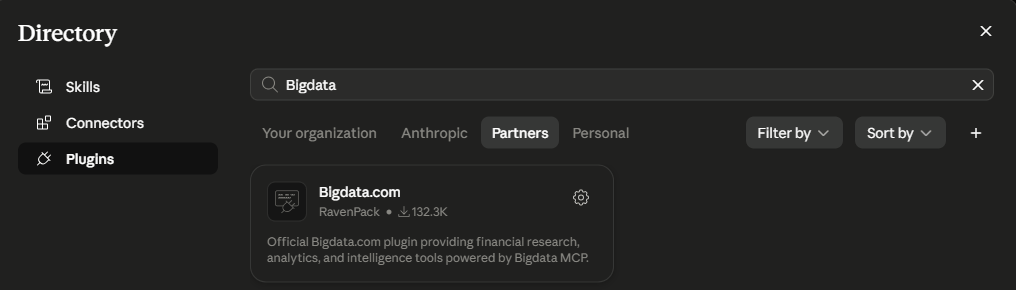
Partners and type Bigdata.2
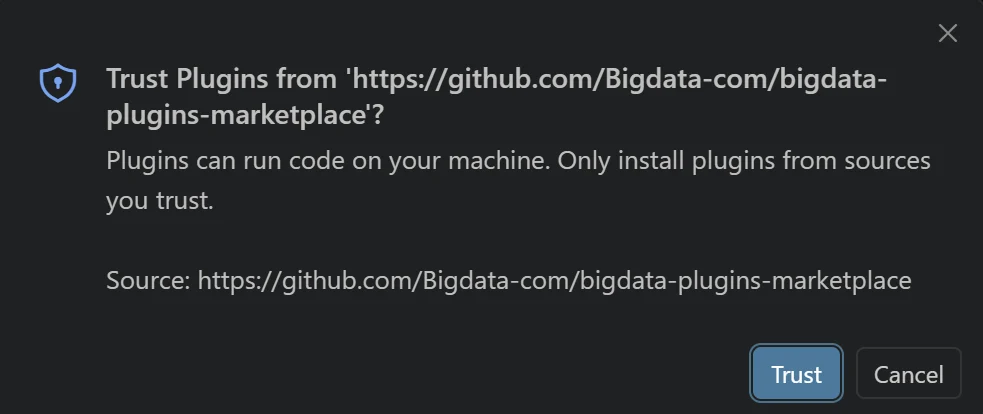
Install the plugin
Click on Install at the Bigdata plugin page displayed above.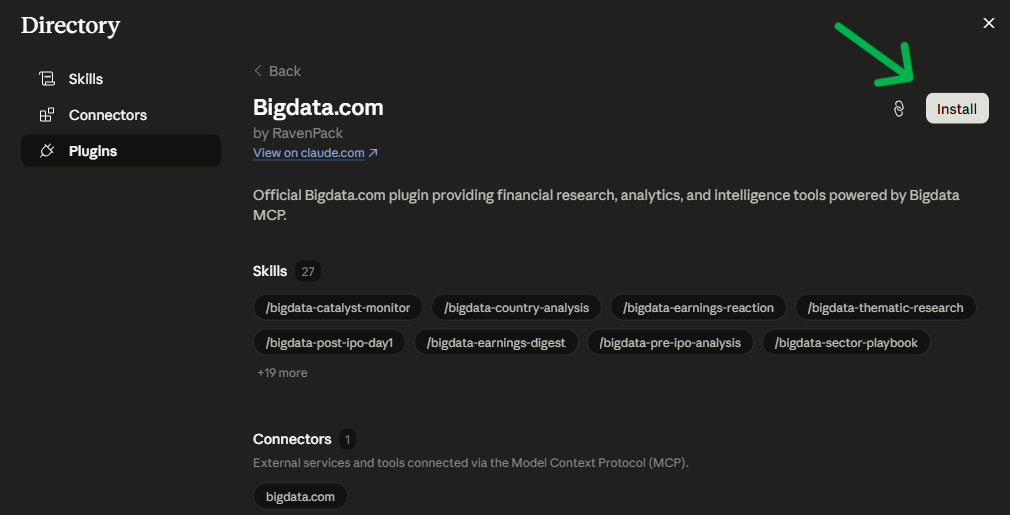
3
Try it out
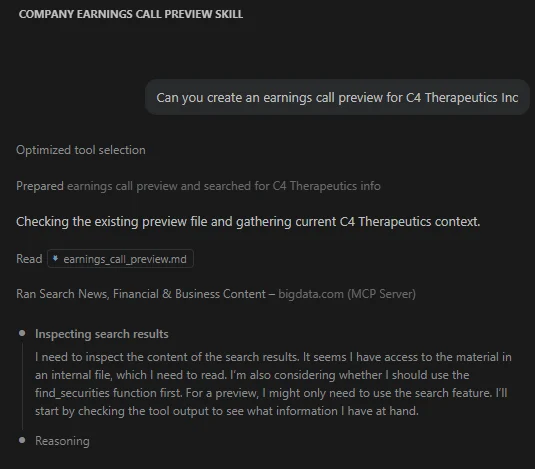
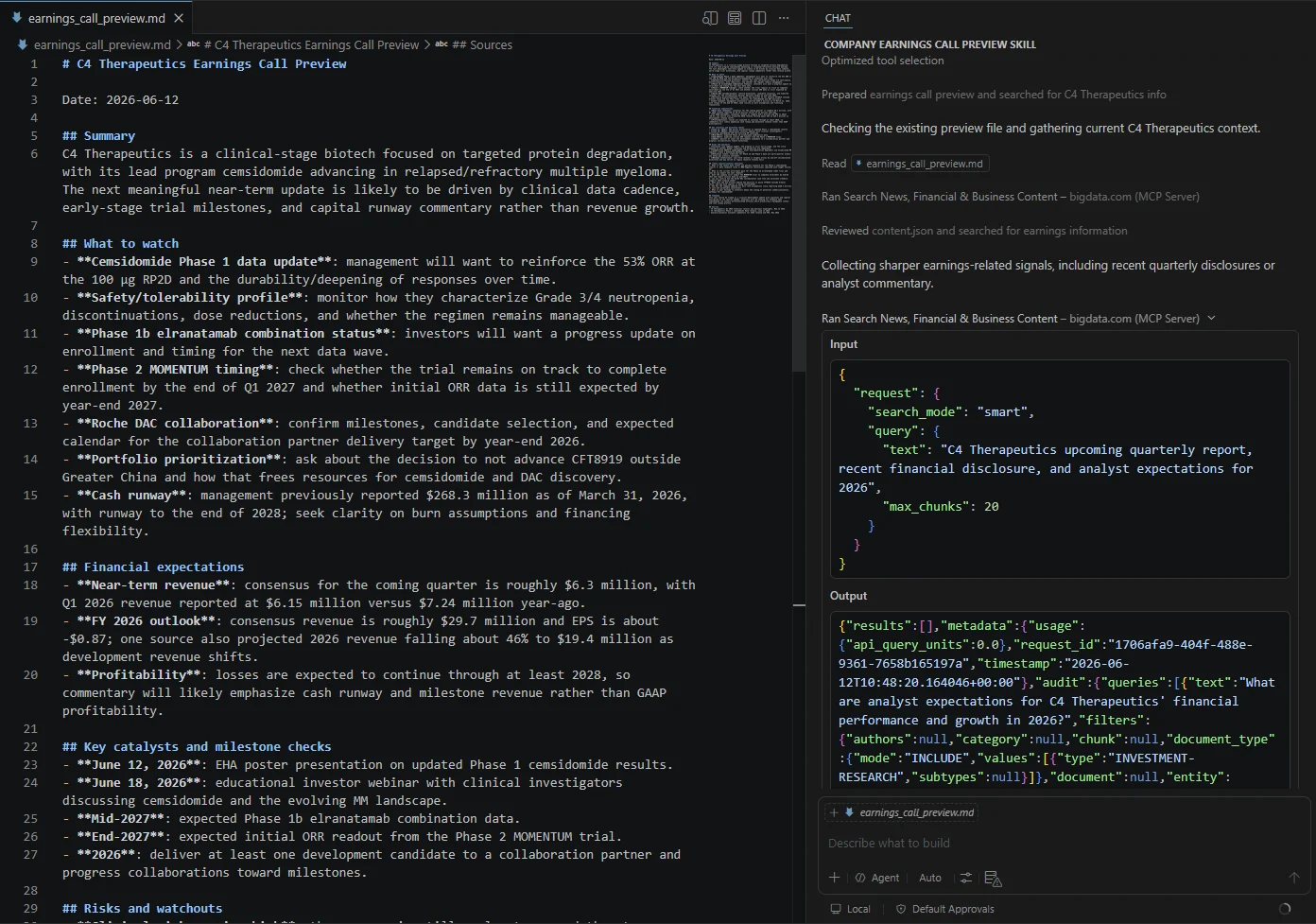
You’re all set! Open a new chat and type for example 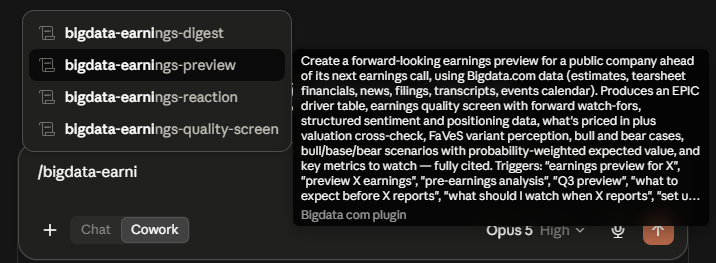
/bigdata-earnings-preview IBM. Starting with / will display all the available skills.