

Overview
The Batch Search API lets you submit a file containing multiple search queries and retrieve all results once processing is complete. Instead of making thousands of individual API calls, you upload a single.jsonl file, poll for completion, and download the results.
Ideal for financial institutions that want to stay up to date on the latest news and events related to their entire portfolio.
For example, you can schedule a daily batch of queries to run early in the morning, retrieve all the information that could impact your portfolio, and present it to your team right when they start their day.
Key benefits
✅ 50% cost reduction: $0.0075 per query unit vs $0.015 in fast mode✅ No client-side scaling: no rate limiting, connection pooling, or retry logic
✅ Single upload, single download: one
.jsonl file in, one .jsonl file out ✅ Same query capabilities: supports all Search API filters of the
fast search modeHow it works
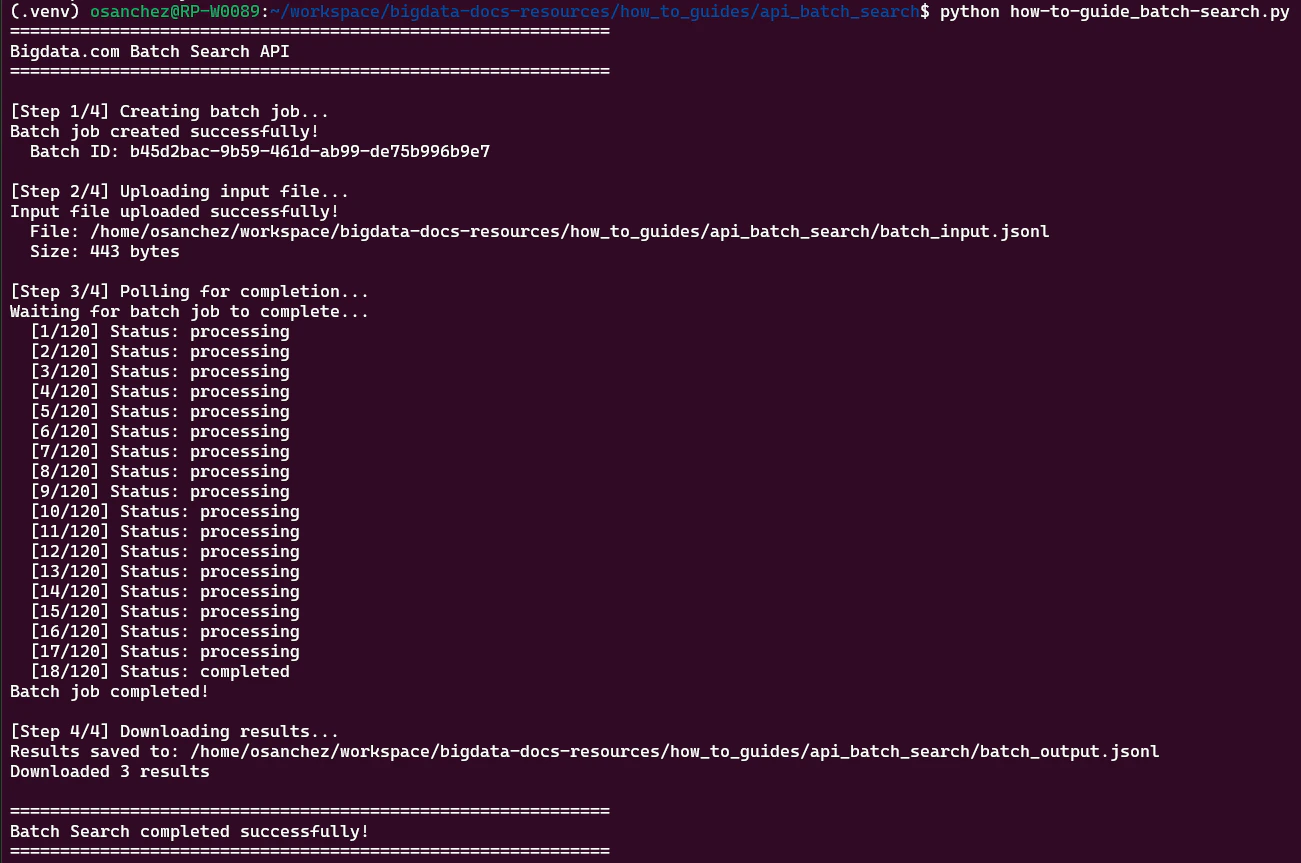
The Batch Search workflow has four steps:1
Create a batch job
The endpoint will return a
batch_id and a presigned_url for uploading your input file.2
Upload your input file
Upload your
.jsonl file to the presigned_url.3
Poll for completion
Check the job status using the
batch_id.
The status will progress through pending → processing → completed.
During this time, you can monitor the estimated_completion_time which is a dynamic ISO 8601 timestamp that continuously updates to reflect when the job is expected to finish.4
Download results
Once the status is
completed, the response includes an output_file_url to download your results.Input file format
Your input file must be in.jsonl format (JSON Lines), where each line is a JSON object containing a query field with a standard Search Documents request body.
Output file format
The output file is also in.jsonl format. Each line contains:
Output file example
The output file contains a JSON object for each line of the input file: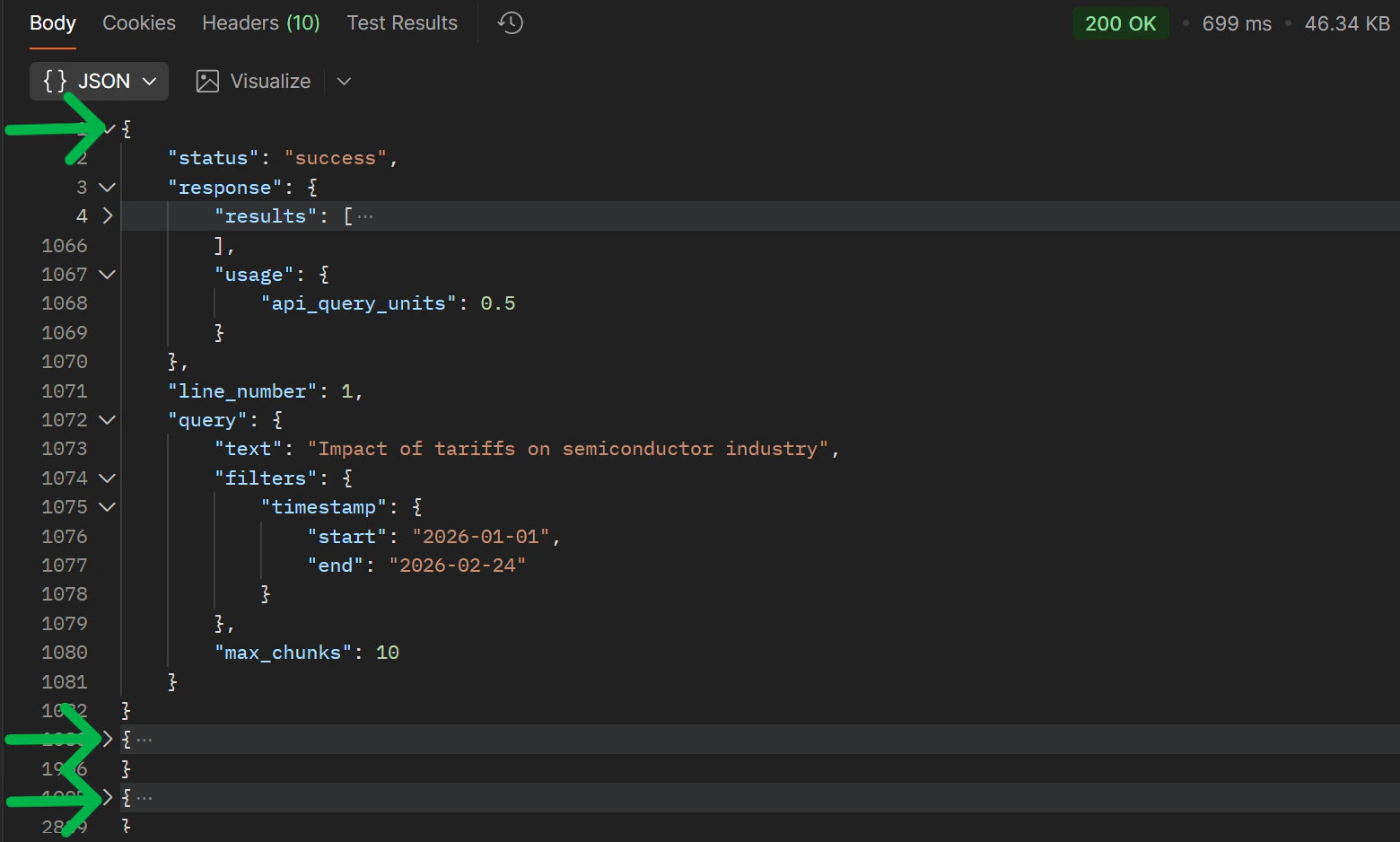
Try it out
- Postman
- Python
We provide a ready-to-use Postman collection that includes all Batch Search endpoints pre-configured.The collection includes four requests: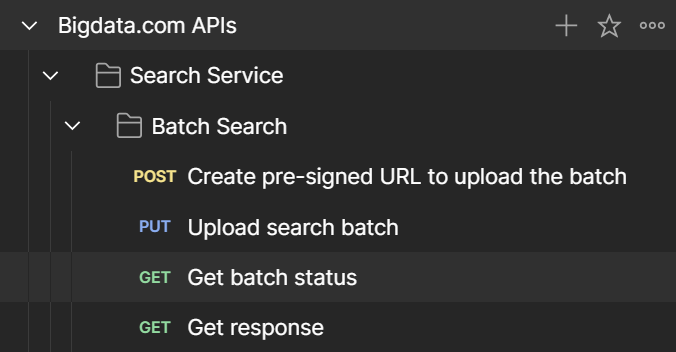
Download Postman Collection
Get the Postman collection and environment files from our GitHub repository.
- Create pre-signed URL to upload the batch: Creates a new batch job
- Upload search batch: Uploads your
.jsonlfile - Get batch status: Checks the current status
- Get response: Downloads the results
Related resources
- Batch Search cookbook: Real-world use case of Batch Search
- Batch Search API Reference: Official API reference