

Overview
Some organizations do not have access to claude.ai and use Claude Code instead. This guide walks you through setting up the official Bigdata.com connector in Claude Code using API Key authentication, so you can search financial news, resolve securities, and generate research reports directly from your terminal.Requirements
- A Claude Code subscription, or a free account on the Claude Developer Platform with available credit
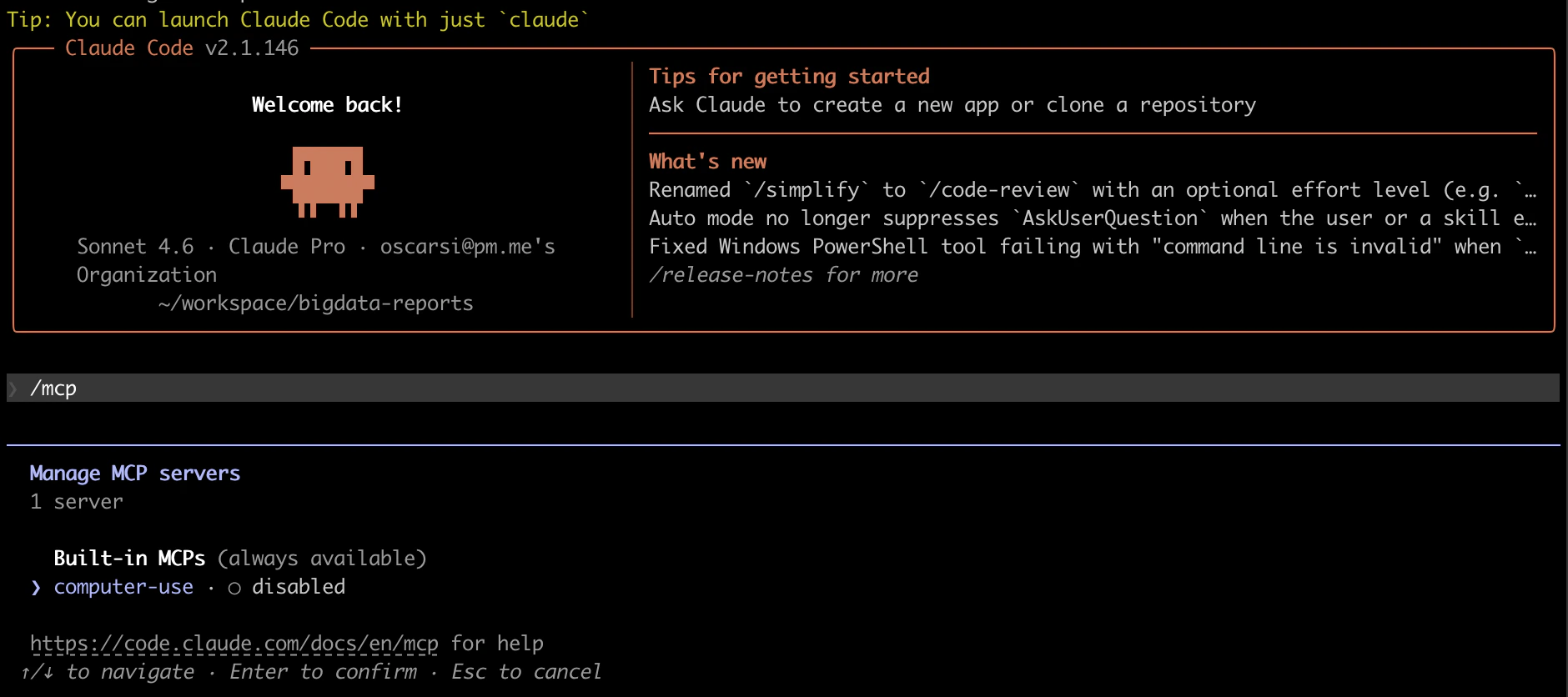
Configuration Steps
1
Create a Bigdata API key
You can create your API Key in the Developer Platform > API Keys.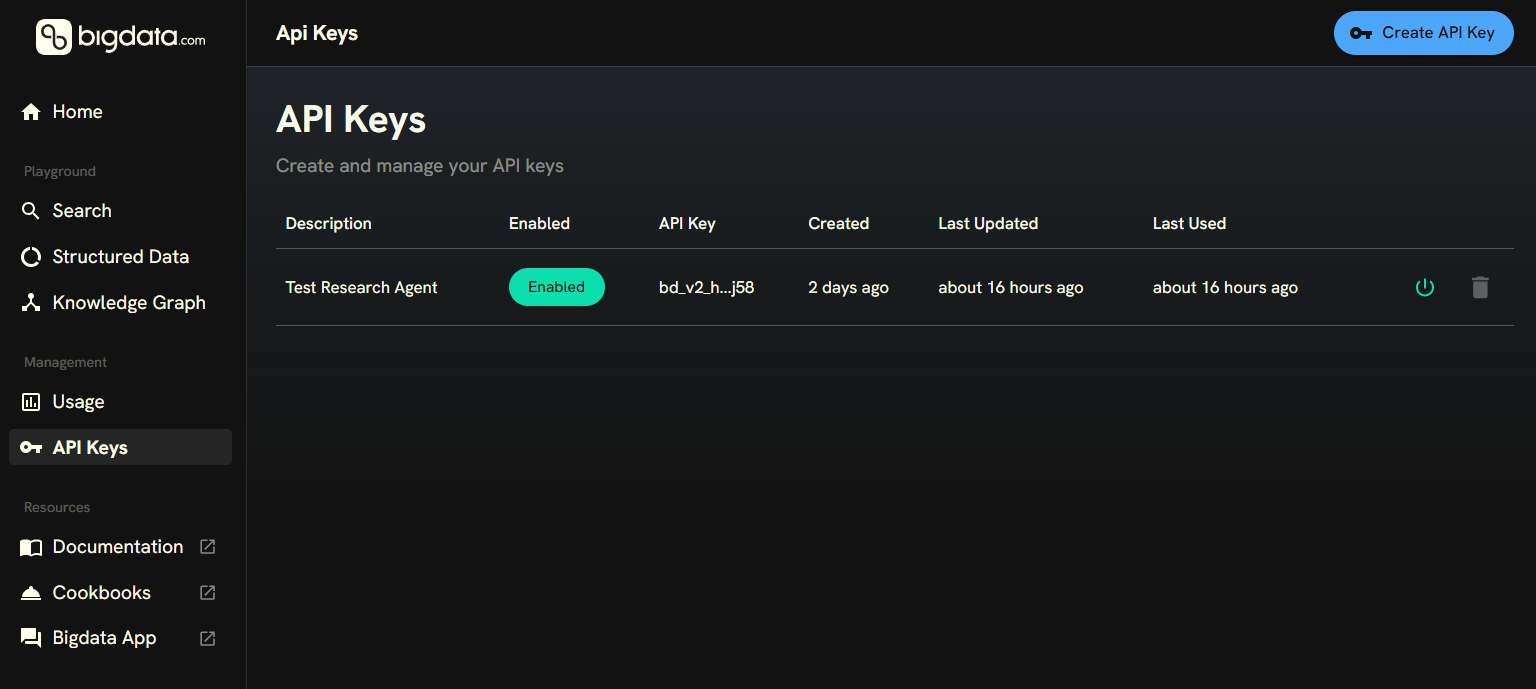
2
Add the Bigdata.com MCP connector
The following command will add the official Bigdata.com Remote MCP in Claude Code. Replace
YOUR_API_KEY with the key you created in the previous step.3
Open Claude Code
Start a new Claude Code session in your terminal:You can confirm the connector is available by running 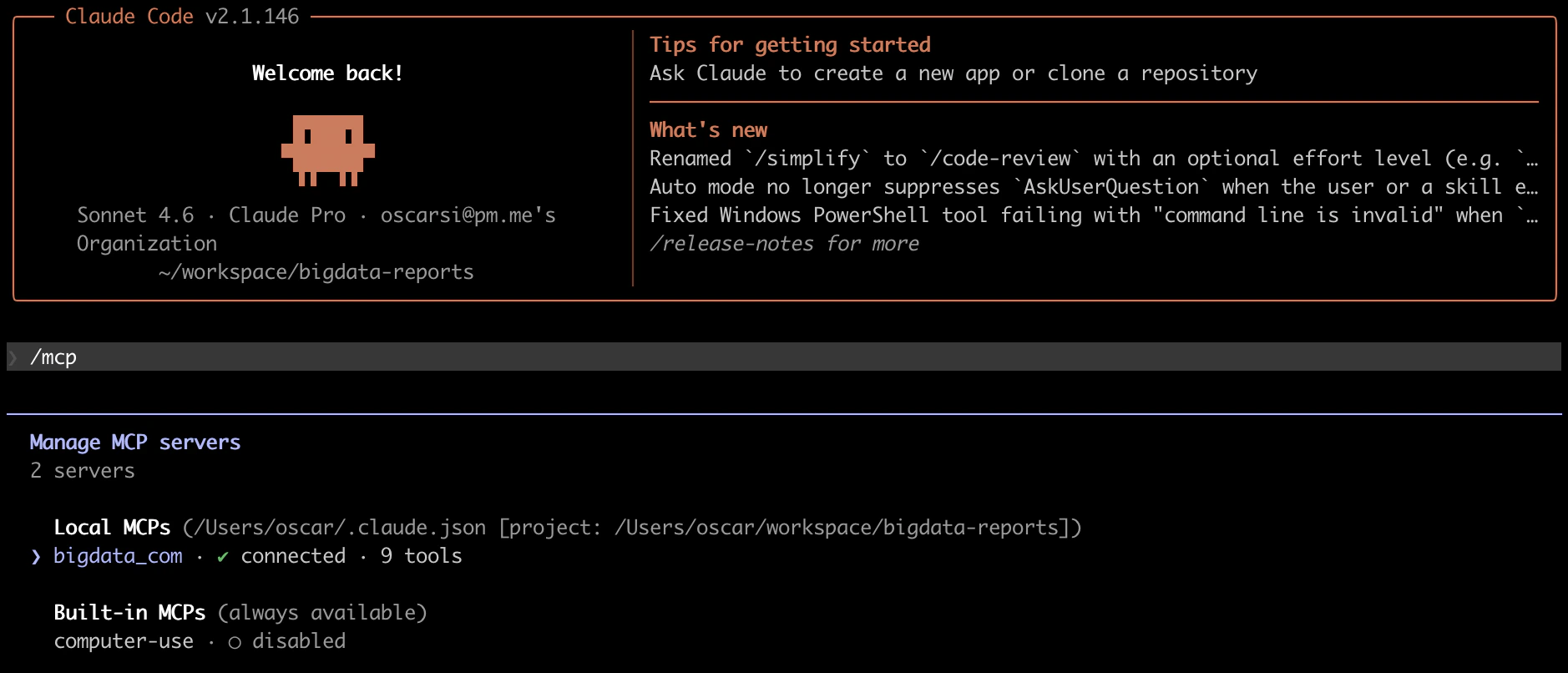
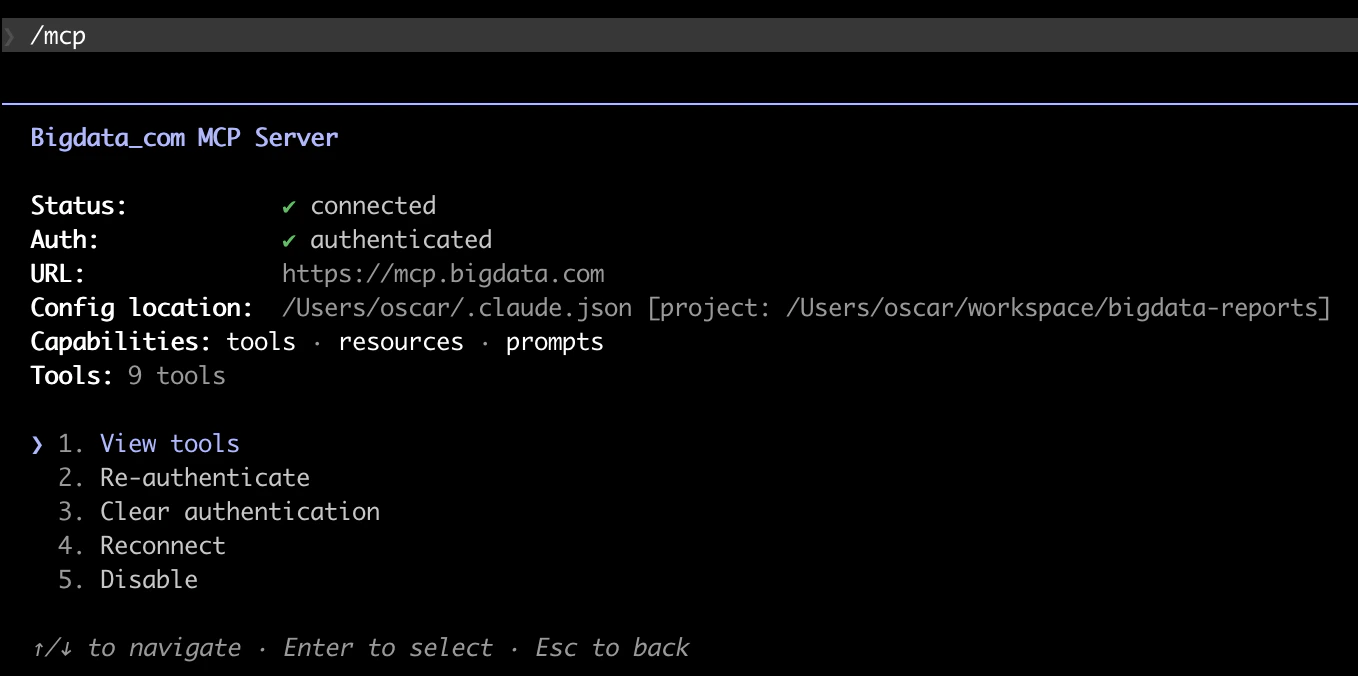
/mcp inside Claude Code. The bigdata_com server should appear in the list of connected MCP servers along with its available tools.4
Install the Bigdata plugin
The Bigdata plugin bundles financial research analyst skills, which add institutional-grade analysis workflows (company briefs, earnings previews, valuation snapshots, investment memos, and more) on top of the MCP tools.The plugin is now available in the official Claude marketplace, making it easy to discover and install. Run 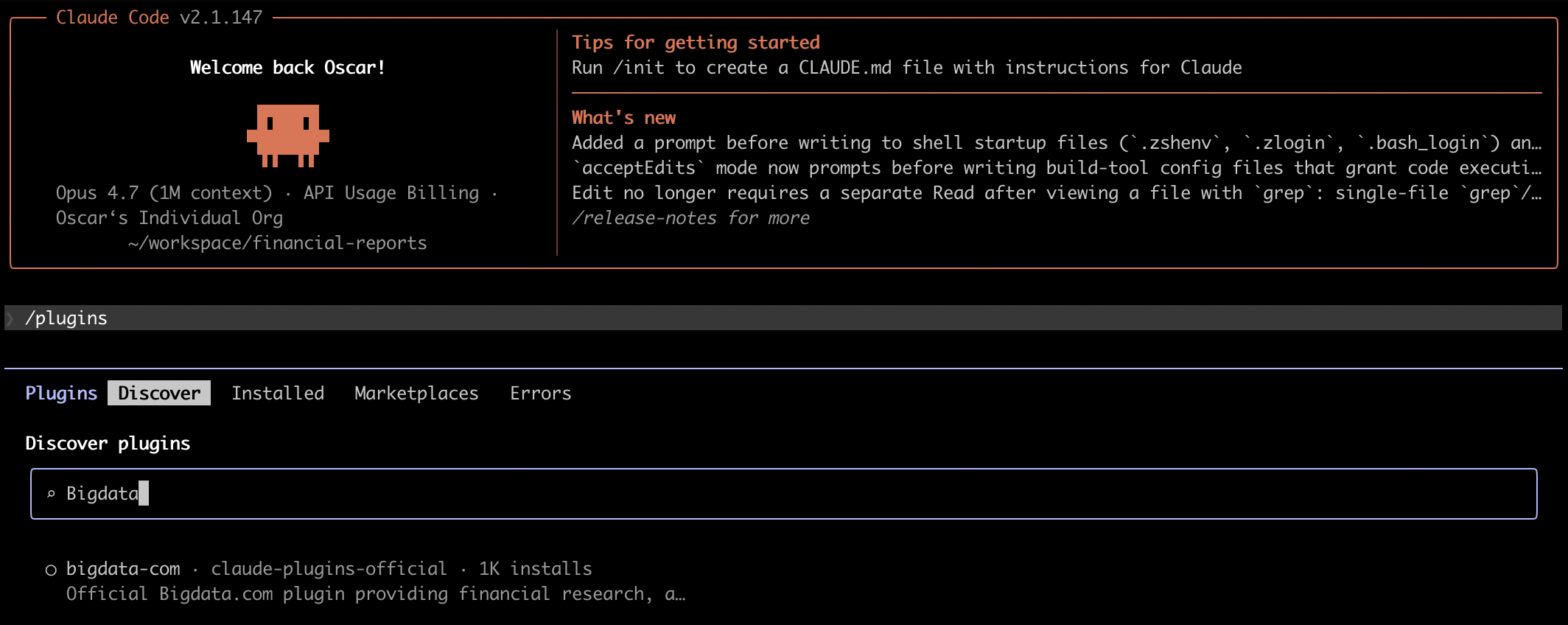
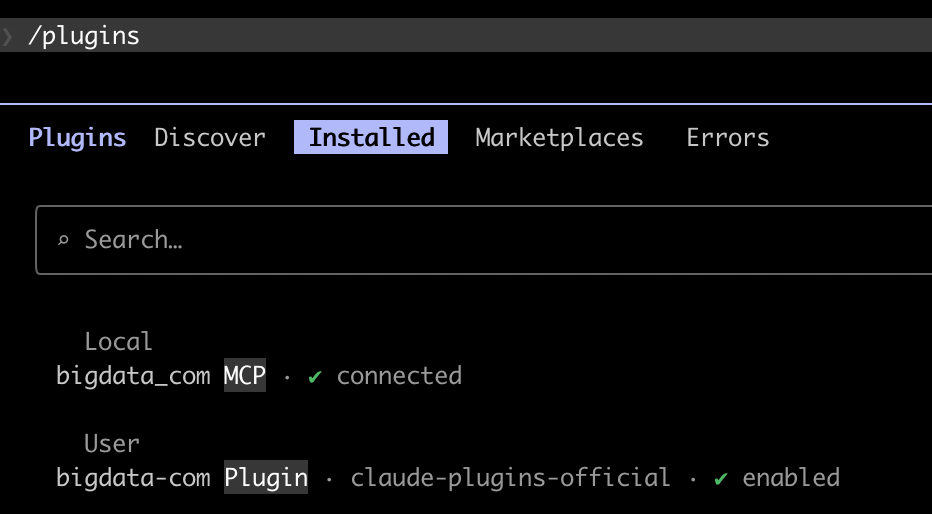
/plugins inside Claude Code and select the Bigdata plugin to install it.5
Try it out
Now you can ask Claude Code to generate research on any theme you are working on. For example, you can prepare for an upcoming earnings call:The Bigdata plugin recognizes this as an Earnings Preview request and run the corresponding workflow.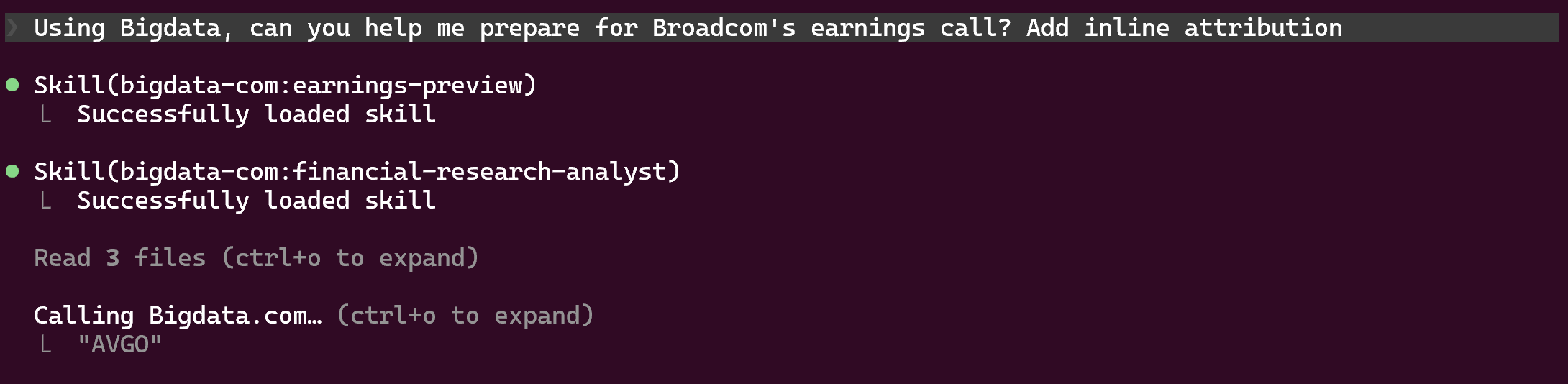

Troubleshooting
Manage and remove connectors
Manage and remove connectors
List all configured MCP servers with
claude mcp list. To remove the Bigdata.com connector, run claude mcp remove bigdata_com.