Overview
Qwen Code is Alibaba’s open coding agent that runs in your terminal and supports MCP servers natively. This guide walks you through setting up the Bigdata.com connector in Qwen Code using API Key authentication, so you can search financial news, resolve securities, and generate research reports directly from your terminal.Requirements
- An Alibaba Cloud Model Studio account and an API Key for a region (for instance, Singapore:
ap-southeast-1). - Qwen Code installed on your machine. You can download it from the Qwen Code website and follow the installation instructions for your operating system.
Configuration Steps
1
Create a Bigdata API key
You can create your API Key in the Developer Platform > API Keys.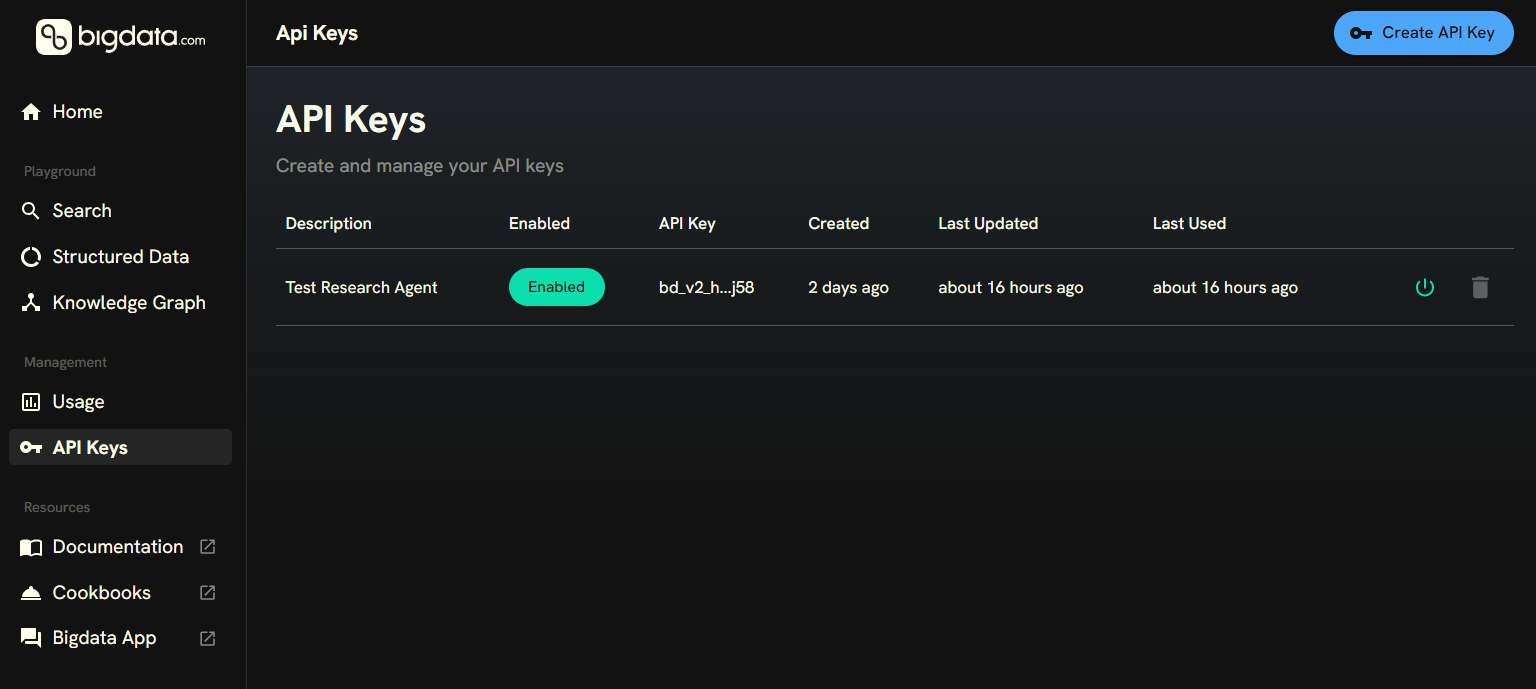
2
Add the Bigdata.com MCP connector
The following command will register the Bigdata.com Remote MCP server in Qwen Code at the user scope, so it is available in every project. Replace
YOUR_API_KEY with the key you created in the previous step.3
Verify the connection
Confirm the connector is registered and reachable by running:You should see 
bigdata-com listed with a Connected status.4
Try it out
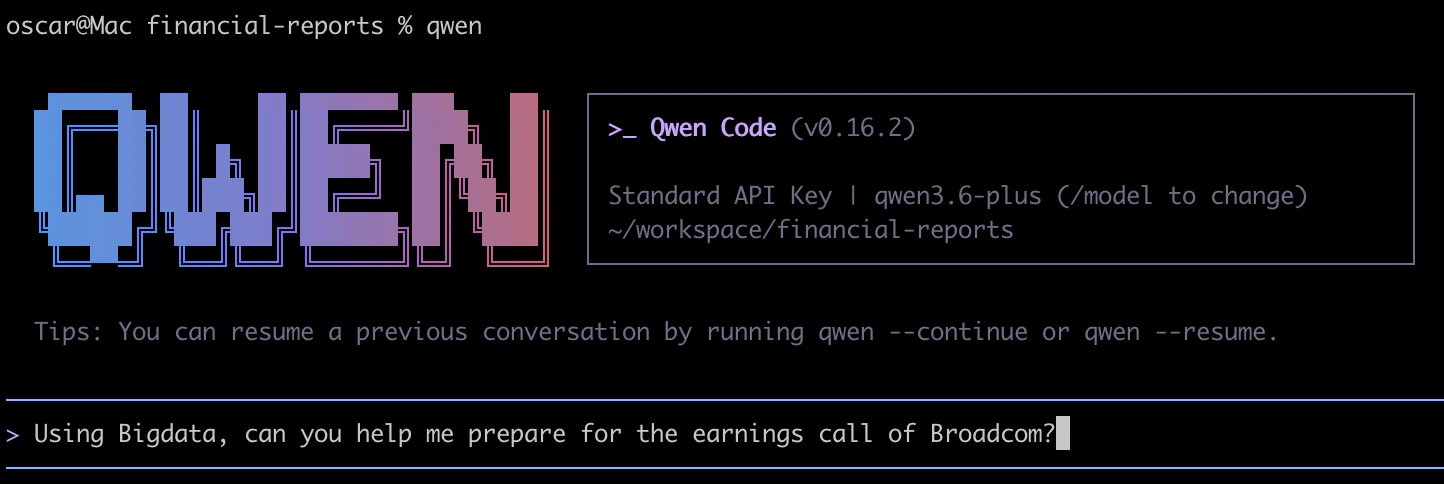
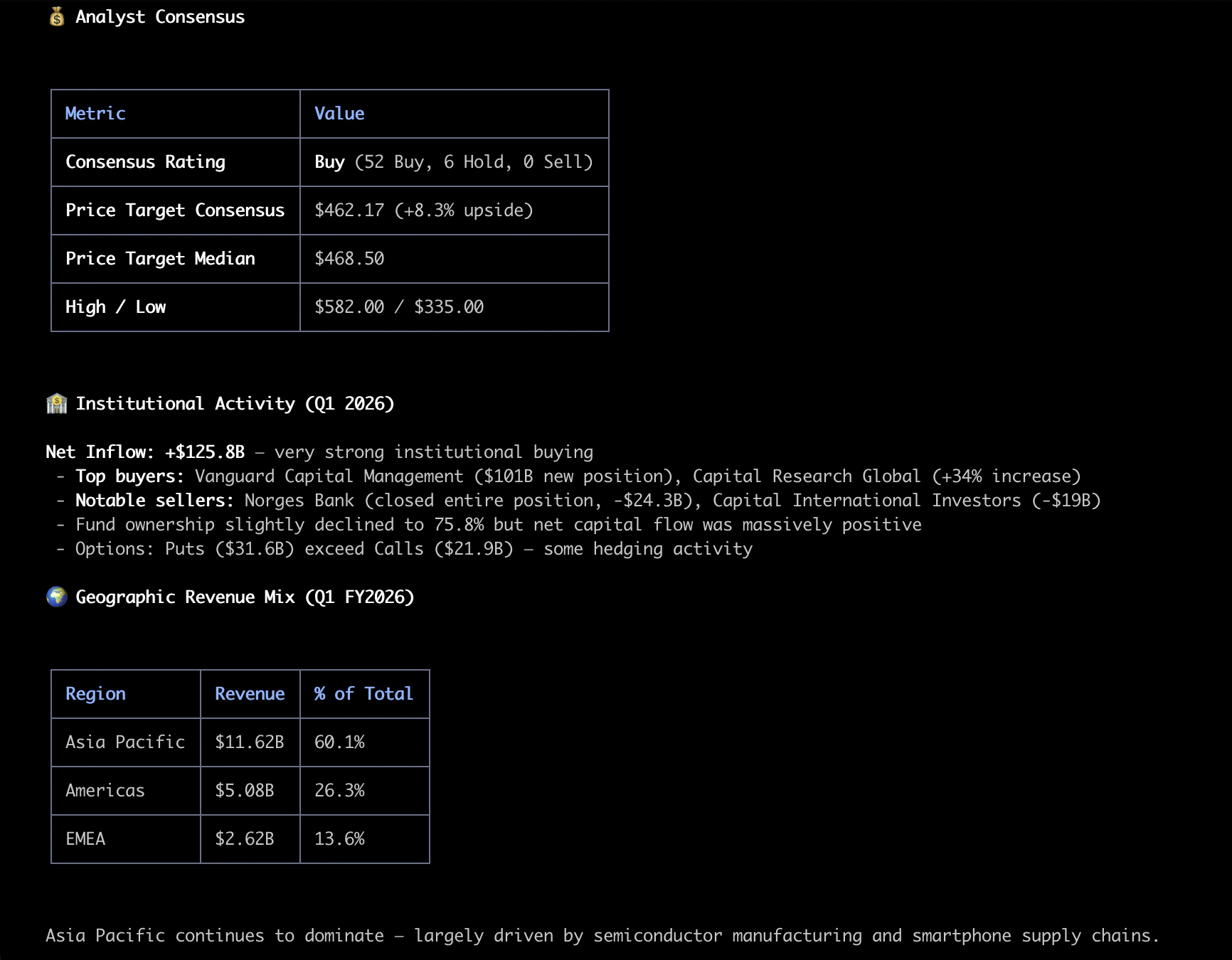
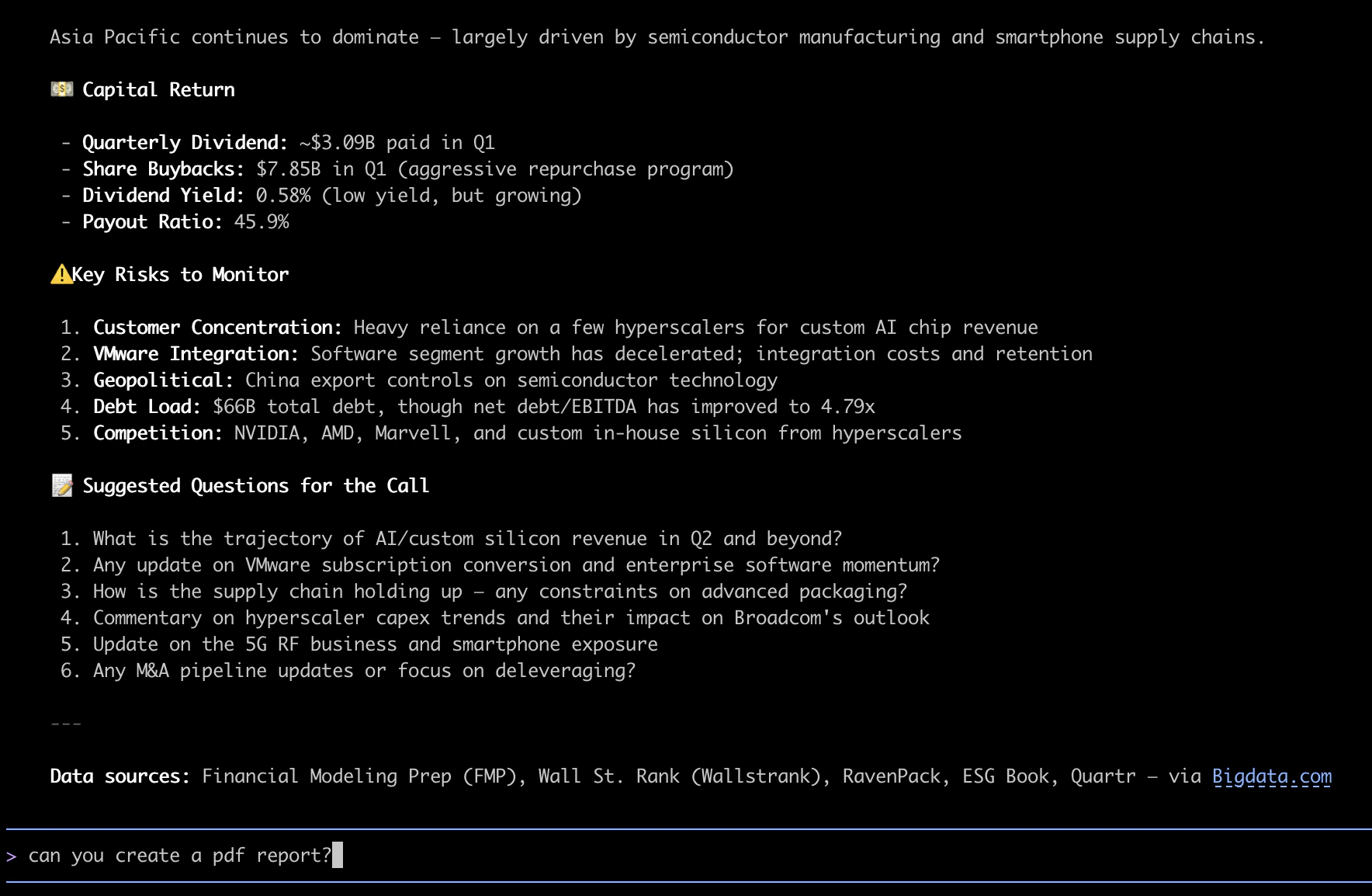
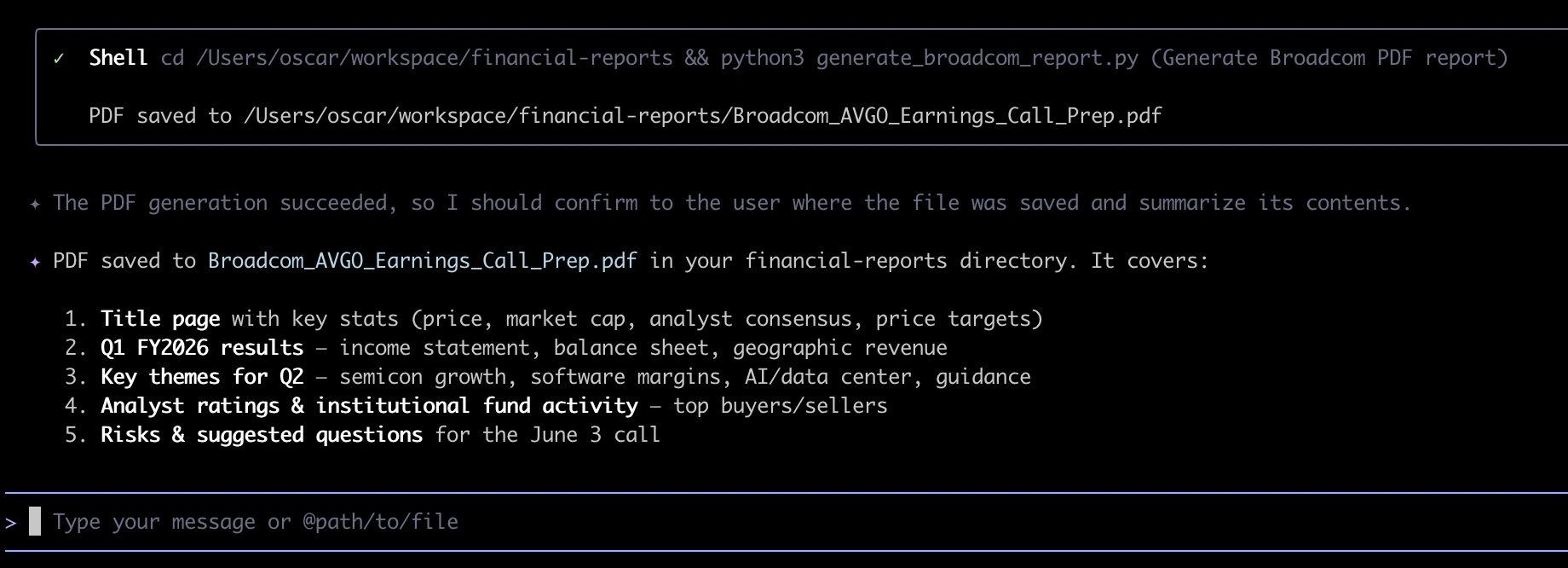
Start a new Qwen Code session in your terminal:Then ask Qwen Code to use Bigdata to prepare research on any topic. For example: