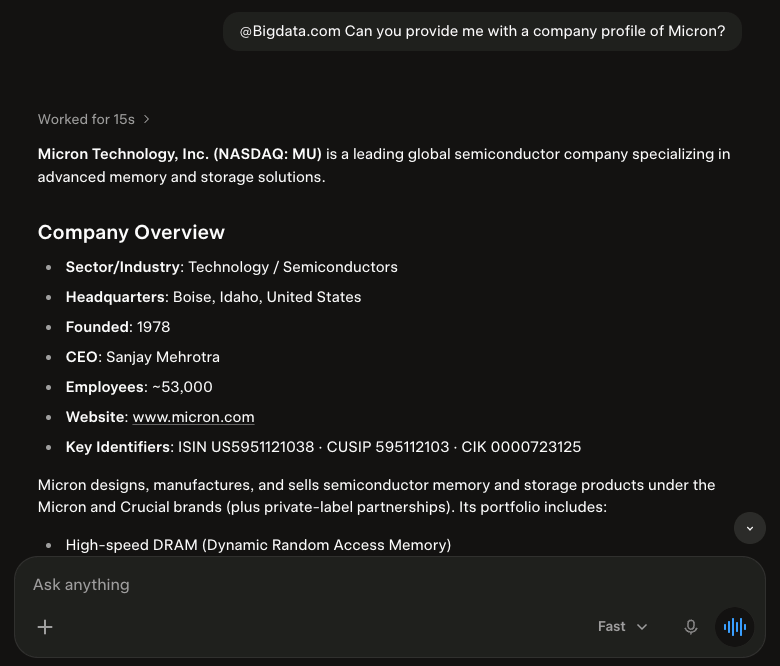
This guide will walk you through setting up the official Bigdata.com Connector in Grok, so you can use it in Grok Web and App. πŸš€ Ready to bring the financial expertise of Bigdata.com to your Grok environment using our Bigdata.com Official Connector?

Configuration Steps

1
Find the Bigdata.com connector in Grok.
  1. Open Grok
  2. Ask Grok to connect it for you:
    Or do it manually: click Plugins at the bottom of the left-hand sidebar and search for β€œBigdata”
  3. Click the Bigdata.com connector and click Connect
Configure Bigdata.com Official Connector
πŸ₯³πŸš€ Done! You should see the Bigdata.com Official Connector added and ready to be used in your conversations Bigdata.com official connector configured Question:
Answer: Ask a question about the financial market